


In our fast-paced digital world, social media platforms like Twitter, now rebranded as X, have woven themselves into the fabric of our everyday lives. While these platforms are fantastic for making connections and discovering information, they also come with their fair share of challenges, particularly regarding the content showing up in our feeds. For many users, especially parents and anyone seeking a more curated online experience, a pressing concern is finding effective ways to block explicit and adult content on Twitter.
This detailed guide will show you how to filter and block adult content on Twitter. This will make your social media experience safer and more controlled.
Table of Contents
Understanding Twitter’s Content Landscape
Twitter hosts millions of users worldwide, sharing diverse content ranging from news and entertainment to adult material. The platform allows users to post “sensitive content,” which includes pornography, graphic violence, and other mature themes. Twitter has rules against illegal content, but legal adult content can be allowed under certain conditions. This means that users need to know how to control what they see.
Why block adult content on Twitter?
There are several legitimate reasons why users might want to block pornographic content:
- Parental Control: Parents want to protect their children from inappropriate material
- Professional Use: Professionals using Twitter for work purposes need a clean feed
- Personal Preferences: Many users simply prefer not to see adult content
- Workplace Safety: Avoiding NSFW content when browsing during work hours
- Mental Health: Some users find that limiting exposure to adult content benefits their well-being
Method 1: Using Twitter’s built-in Sensitive Content settings
Twitter provides native controls to filter sensitive content. Here’s how to use them:
On Desktop:
To block sensitive content on Twitter, first log in to your account and click on the “More” option located in the left sidebar. From the dropdown menu, navigate to Settings and Privacy, then select Privacy and Safety. Next, click on Content You See to access the content filtering options. Here, locate “Display media that may contain sensitive content” and make sure this option is turned off. After that, go to Search Settings and enable “Hide sensitive content.” Finally, save your changes to apply the updated settings.
On Mobile App (iOS/Android):
To restrict sensitive content on the Twitter mobile app, open the app and tap on your profile picture. From the menu, go to Settings and Privacy and select Privacy and Safety. Next, tap on Content You See to access content controls. Turn off the option “Display media that may contain sensitive content.” After that, open Search Settings and enable “Hide sensitive content.” Finally, confirm your changes to ensure the settings are applied successfully. These settings will significantly reduce the amount of adult content that appears in your timeline and search results.
Method 2: Implementing Safe Search
Twitter’s Safe Search feature helps filter potentially sensitive content from search results:
- Go to Settings and Privacy
- Navigate to Privacy and Safety
- Select “Search Settings”
- Turn on “Hide Sensitive Content”
This ensures that when you search for topics, adult content is automatically filtered out of the results.
Method 3: Muting Keywords and Phrases
To customize your Twitter feed and avoid adult content, mute specific keywords! Go to Settings and Privacy, then navigate to Privacy and Safety. Click on Mute and Block, and select Muted Words to add keywords, phrases, or hashtags you want to exclude.
You can mute terms permanently or for a set period, and choose whether to mute them on your Home timeline, in Notifications, or both. Enjoy a more curated Twitter experience! Consider muting common adult-related terms, hashtags, and phrases. You can add as many keywords as needed.
Method 4: Blocking Specific Accounts
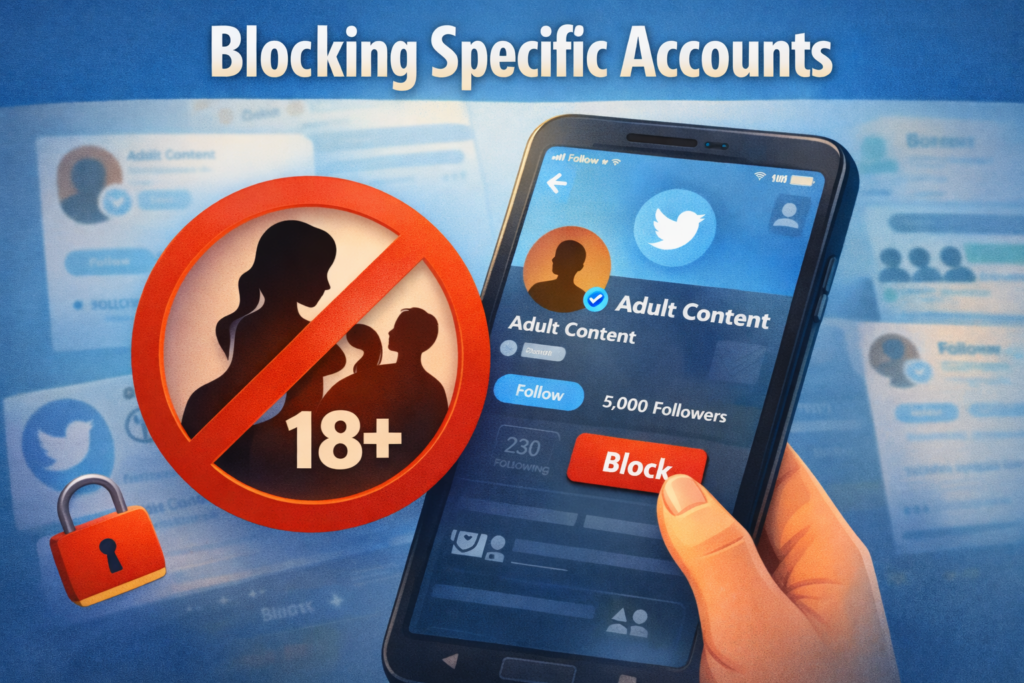
To block an offending account, first visit their profile. Next, click the three-dot menu labeled “More options.” From the dropdown, select “Block @username.” Finally, confirm the block to complete the process.
Blocked accounts cannot see your tweets, follow you, or interact with your content. You also won’t see their tweets or recommendations.
Method 5: Reporting Inappropriate Content
If you come across content on Twitter that violates the platform’s policies, click or tap the three-dot menu on the tweet and select “Report Tweet.” Then, choose the most suitable reason, such as “It’s suspicious or spam” or “It contains a sensitive photo or video.” Follow the on-screen instructions to complete the reporting process. Twitter reviews all reports and takes appropriate action against accounts that violate its terms of service.
Method 6: Using parental control Tools
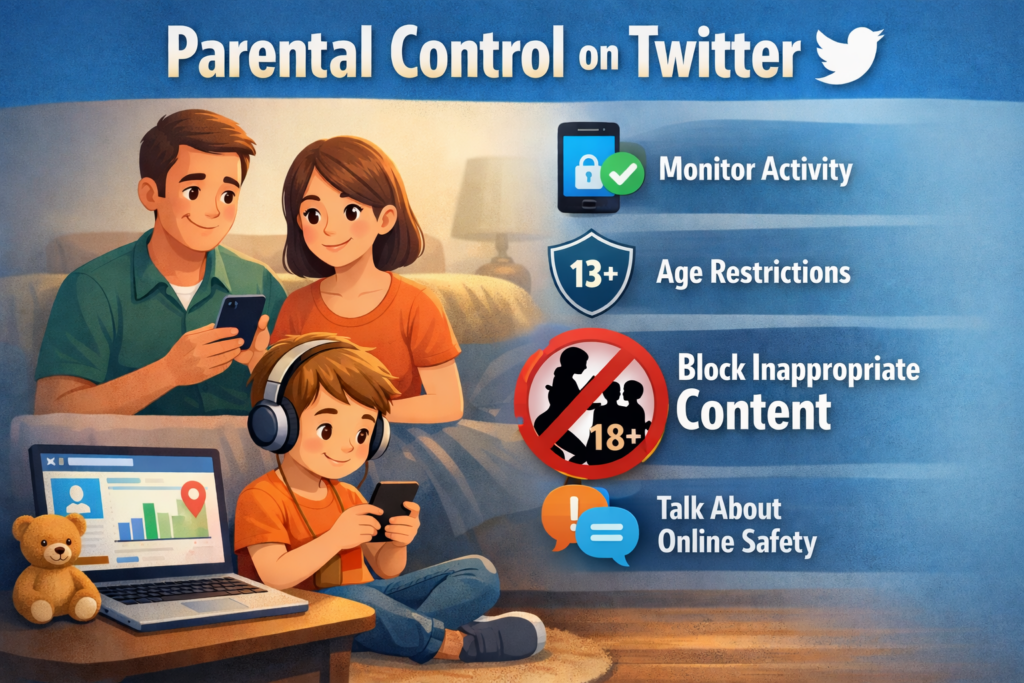
Parental control apps and tools provide advanced and more reliable ways to filter sensitive content on Twitter and other online platforms. These tools are especially useful for parents, employers, or users who want greater control beyond basic built-in settings.
- Parental Control Apps – Applications such as Qustodio, Bark, Net Nanny, and TheOneSpy allow parents to monitor Twitter activity, filter inappropriate content, and receive alerts for suspicious behavior.
- Screen Time Controls – Both iOS and Android provide built-in screen time and content restriction features, which can be combined with third-party tools for better results.
Overall, while many tools offer basic filtering, TheOneSpy stands out as a more advanced and reliable solution due to its detailed monitoring capabilities and broader control options. Always research and choose reputable tools from trusted developers to ensure privacy, security, and effectiveness.
Method 7: Creating a Separate Account for Children
If children are using Twitter, it’s essential to take extra precautions to ensure their safety. Consider setting up a supervised account with strict privacy settings and implementing age-appropriate controls from the start.
Parents should regularly review their child’s activity and the accounts they follow to prevent exposure to inappropriate content. Engaging in open and honest conversations about online safety can also help children make better decisions while using social media. Additionally, following your child’s account allows you to monitor their content more effectively. Remember that Twitter’s minimum age requirement is 13 years old in most countries.
Advanced Tips for Maximum Protection
1. Curate Your Following List
Be selective about who you follow. Accounts you follow influence what appears in your timeline. Regularly review and unfollow accounts that share unwanted content.
2. Turn Off Auto-Play
Disable auto-play for videos and GIFs:
- Go to Settings and Privacy
- Select “Accessibility, display, and languages.”
- Choose “Data Usage”
- Select “Video autopla.y”
- Choose “Never” or “Wi-Fi only.”
This prevents unexpected adult content from automatically playing.
3. Limit Who Can Reply
When composing a tweet on Twitter, click the globe icon located below the text box. From there, choose who can reply to your tweet by selecting “Everyone,” “People you follow,” or “Only people you mention.” This setting helps limit unwanted interactions and reduces exposure to inappropriate replies. This reduces exposure to accounts posting adult content in your replies.
4. Review Your Lists Regularly
Check any Twitter Lists you follow, as these can sometimes include accounts with adult content. Unsubscribe from lists that don’t meet your content standards.
5. Use Twitter Moments Carefully
Twitter Moments can sometimes contain sensitive content. Be cautious when browsing curated collections.
Conclusion
To filter out pornographic material on Twitter, you need a straightforward, step-by-step process that involves settings, management, and awareness. By following the steps outlined in this guide, from modifying sensitive content settings to muting keywords and employing third-party services, you can make Twitter a cleaner and safer platform.
Online safety is an ongoing process. It is important to periodically check your settings, stay updated on the latest features on Twitter, and have open conversations with your family members about online safety. Although Twitter offers features to filter out content, a combination of technical measures and awareness is the best way to protect yourself from unwanted adult content on Twitter.
Whether you are safeguarding your children, maintaining a professional online presence, or simply wanting a cleaner browsing experience, these tips will help you manage your Twitter feed and ensure that the platform remains useful and safe for your needs.


